HOW TO USE PROOFING TOOLS MORE EFFECTIVELY – MS WORD

Learn how to use proofing tools more effectively in Word. A well-edited document can mean the difference between landing a job, winning a client, and scoring a sale…

SIMPLE SOFTWARE & PRODUCTIVITY SOLUTIONS
Learn how to use proofing tools more effectively in Word. A well-edited document can mean the difference between landing a job, winning a client, and scoring a sale…
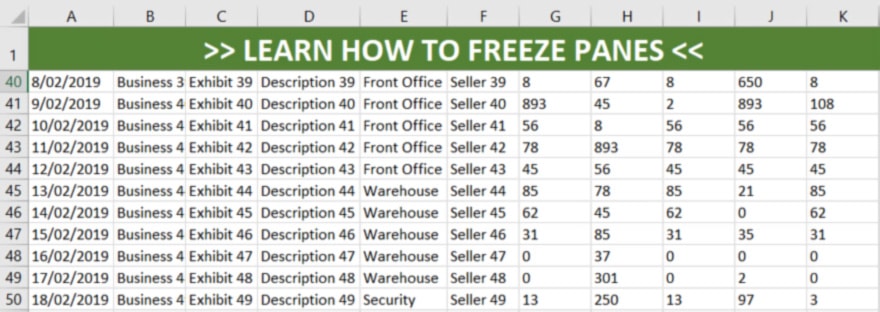
Save yourself the hassle of constantly scrolling through your data! Start using the freeze pane feature for large spreadsheets. Learn to fix your top row, column or section for quick reference and easier navigation…

Who has time to search for duplicates in spreadsheets? Luckily, Excel does this for you! Learn how to find duplicates in Excel, sort, highlight after the first instance, remove and more…
Learn how to convert PDF to Word and other formats, to make your editing task much easier. Convert using Adobe Acrobat, Microsoft Word or Google Docs…

Discover 8 brilliant tricks using the Find and Replace tool. Make modifications in seconds and save manually scouring your document! Learn to use it for more than just replacing a word…

Learn to create cool text effects with Illustrator such as image texts, reflection, & 3D. Quick and easy to apply, you can create typography with a bang…
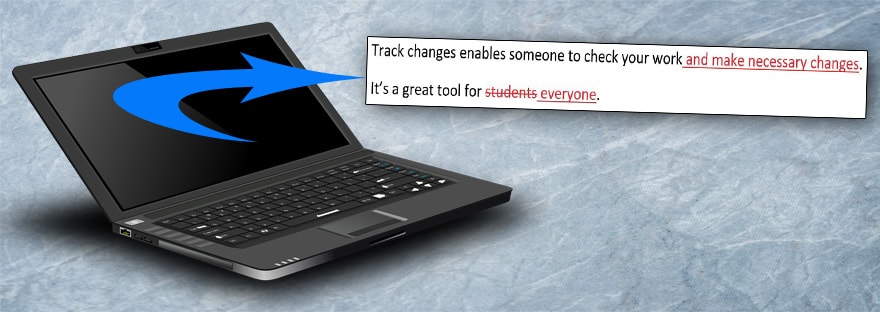
Learn how to track changes in Word. It’s an excellent editing tool that allows you to share your document, have others review your work, make comments and changes. Keep track of who is changing what, and more…
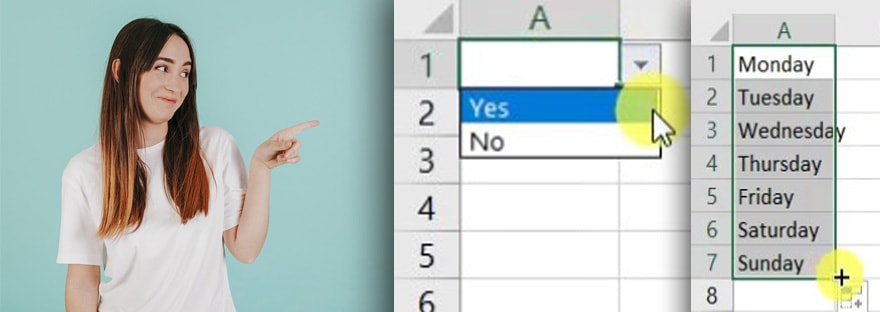
Save time with drop-down lists, AutoFill & Flash Fill. Excel can identify patterns, automatically fill cells, set up message alerts & more. These quick functions will eliminate manual data labour…

Ever wonder how to insert a copyright symbol? Hide text? Customise grammar? Learn some handy editing tips with these 12 cool MS Word tricks, designed to make your life easier…

Grammarly is a free online grammar check you can add to your browser. It fixes grammar, spelling, punctuation and more. Use it on documents and online posts. Read on to discover pros, cons and more…